Requests and devices
Keep the job together
Add a customer and device, and choose a delivery method. Statuses, notes and attachments stay linked to the relevant case.
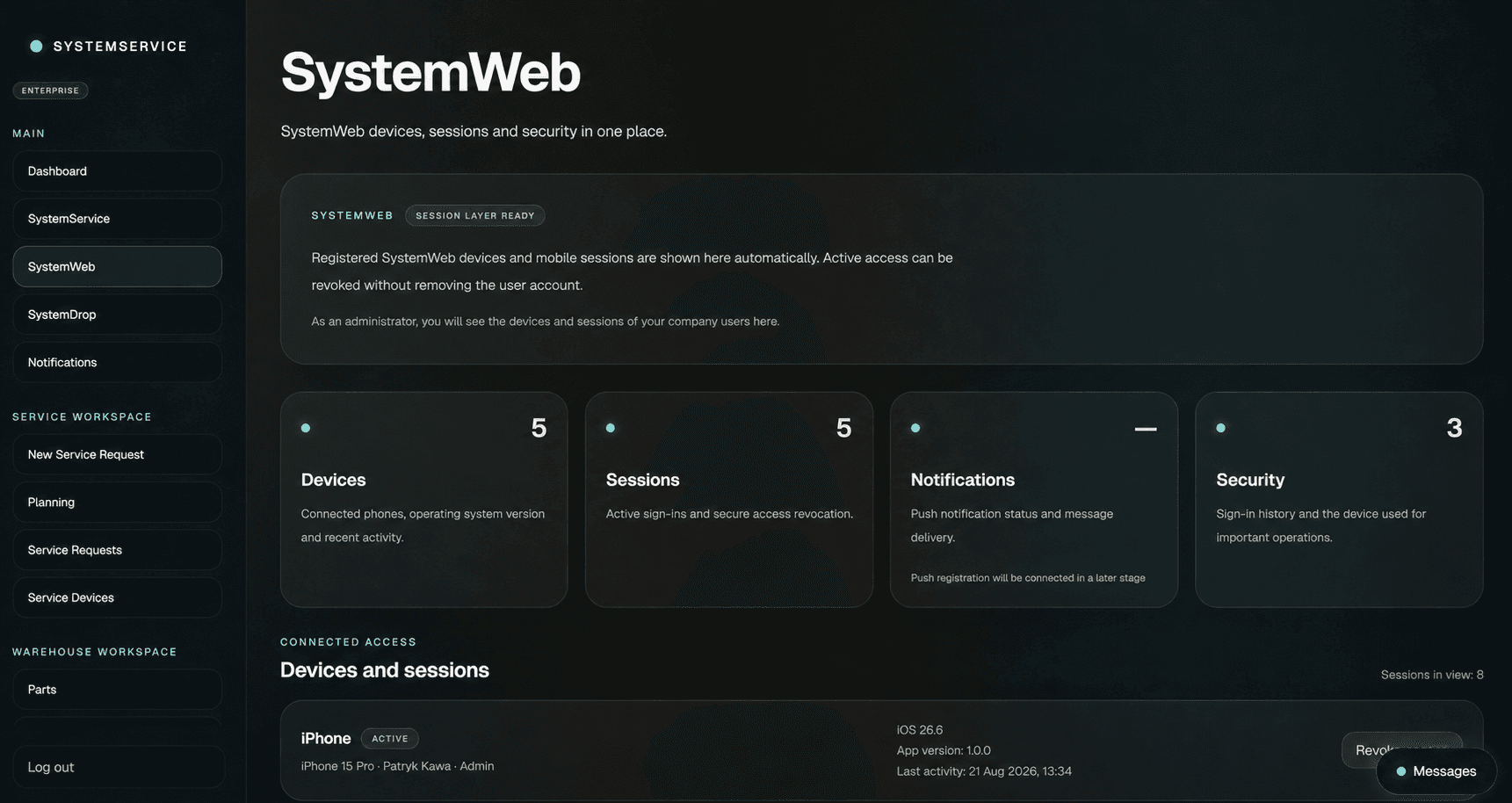
SystemWeb is your browser-based service dashboard. Receive requests, follow devices through repair and manage parts and team access.
Everyday operations
Requests and devices
Add a customer and device, and choose a delivery method. Statuses, notes and attachments stay linked to the relevant case.
Parts and locations
Check part quantities and locations. Record parts used in repairs and work with your service price list.
People and access
Add employees, assign permissions and invite B2B clients. Partners use their own accounts to view the cases shared with them.
Working with a request
Select the customer, enter the device details and choose how the equipment will reach your service.
Update the device status, record your findings and add the parts used during the work.
Mark the device as ready and continue communicating with the customer. The service history stays with the case.
SystemWeb + SystemApp + SystemDrop
Use SystemWeb at your desk and SystemApp on the move. Add SystemDrop for cabinet-based drop-offs and collections. Choose a plan that fits your number of employees and B2B partners.