Availability
Service access after closing
Customers drop off or collect devices when it suits them — including evenings and weekends.
One system. The whole process.
SystemService connects the web platform, mobile app and SystemDrop 24/7.
No spreadsheets, manual data entry or chasing every stage.
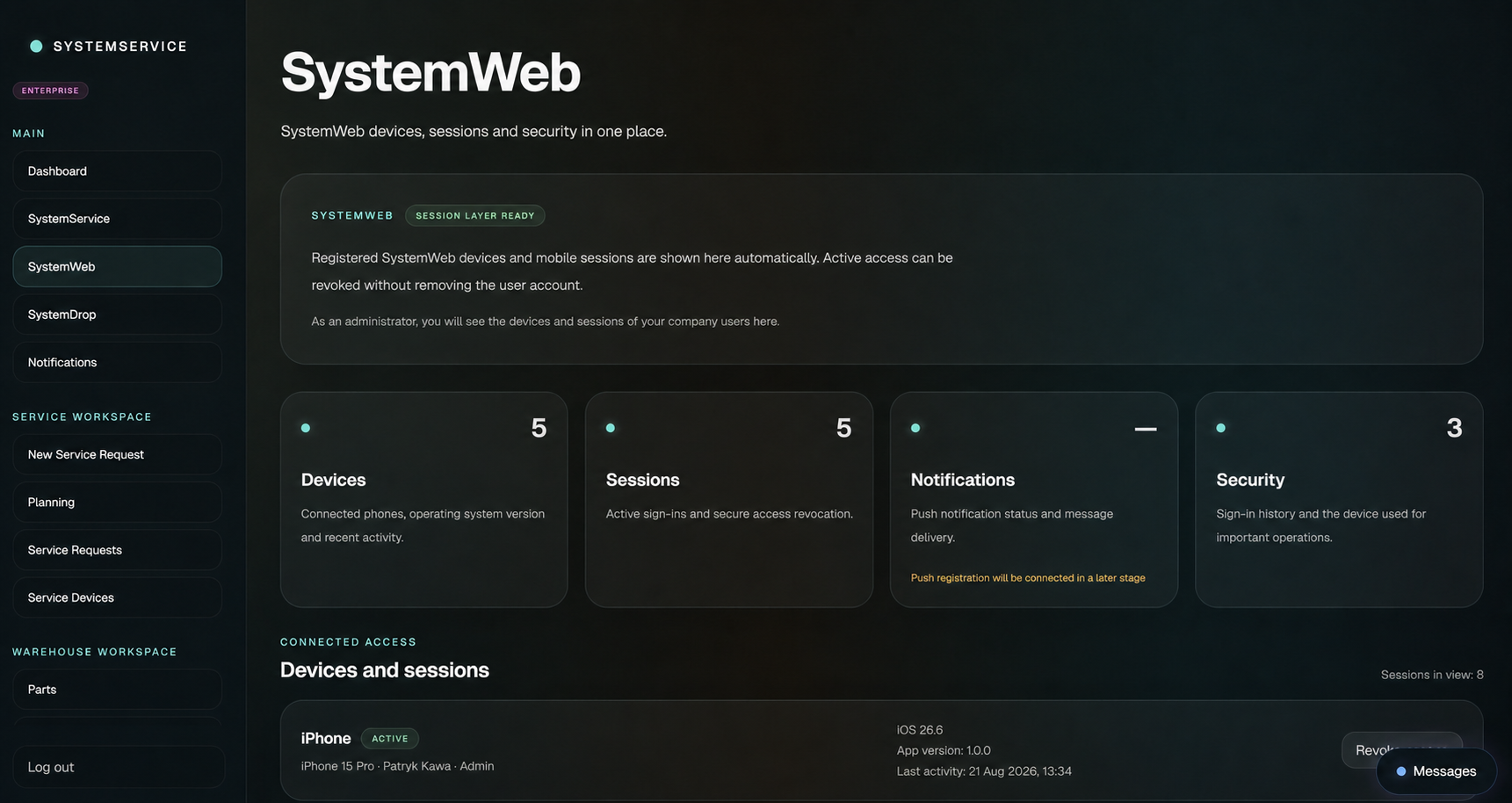
SystemDrop
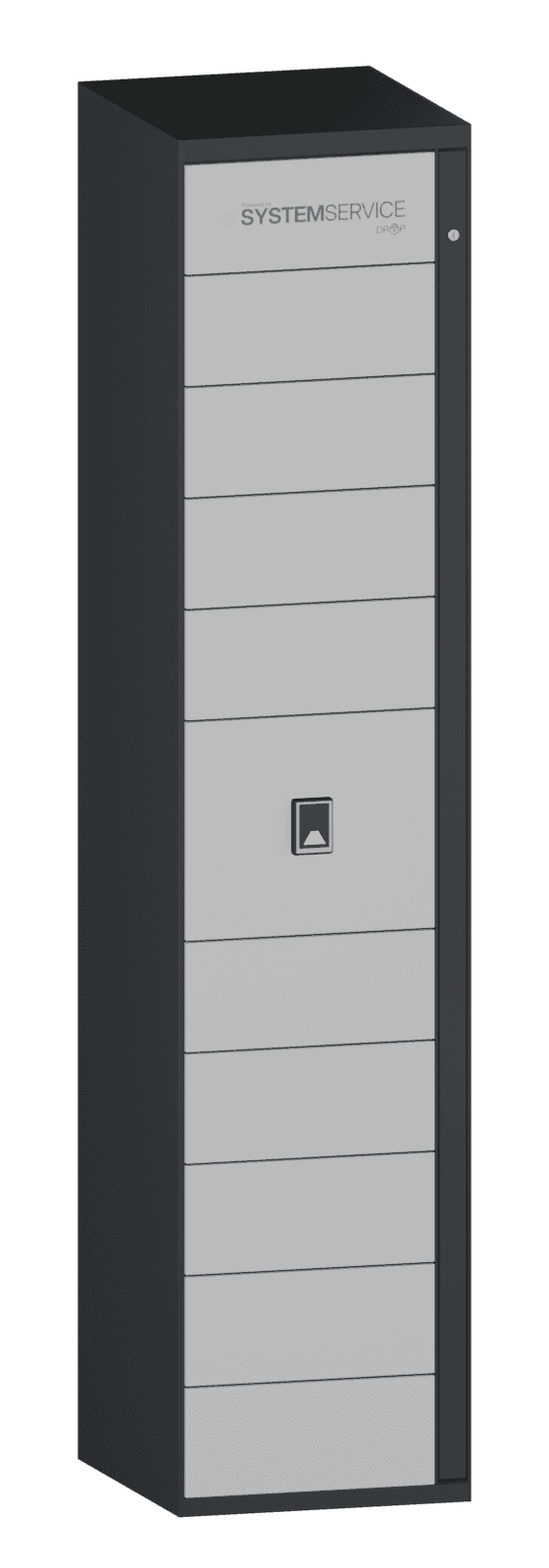
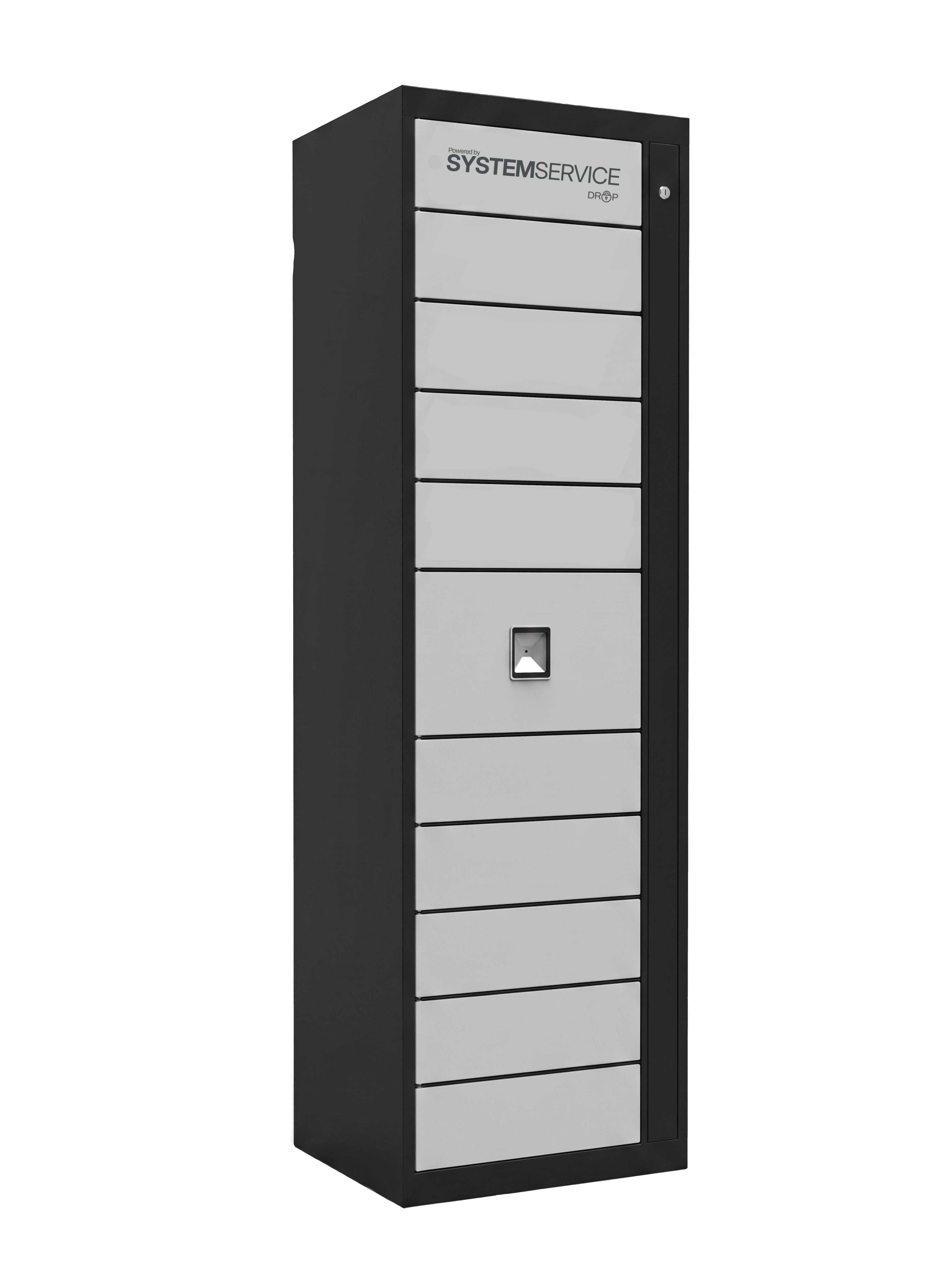
NewSystemDrop connects an automated locker cabinet to the SystemService platform. Customers drop off or collect their devices while the service team retains full control over lockers, access and operation history.
Availability
Customers drop off or collect devices when it suits them — including evenings and weekends.
Automation
The system assigns the right locker and guides the user through a secure device handover.
Control
Status, access history and current locker availability remain visible in SystemService.
Proprietary solution
SystemDrop uniquely combines a physical locker cabinet, automation and full platform control — developed by us and configured around the real needs of each service business.
SystemWeb
One platform connects requests, devices, inventory, employees and communication. Everyone sees the right information while the owner retains control over the entire workspace.
Requests and devices
Requests, devices, statuses and work history stay connected in one clear workspace.
Parts and locations
Part quantities, availability and locations are visible immediately, without searching through separate files.
Employees and messages
Roles, employee access and messages work together with current requests and service operations.
SystemApp
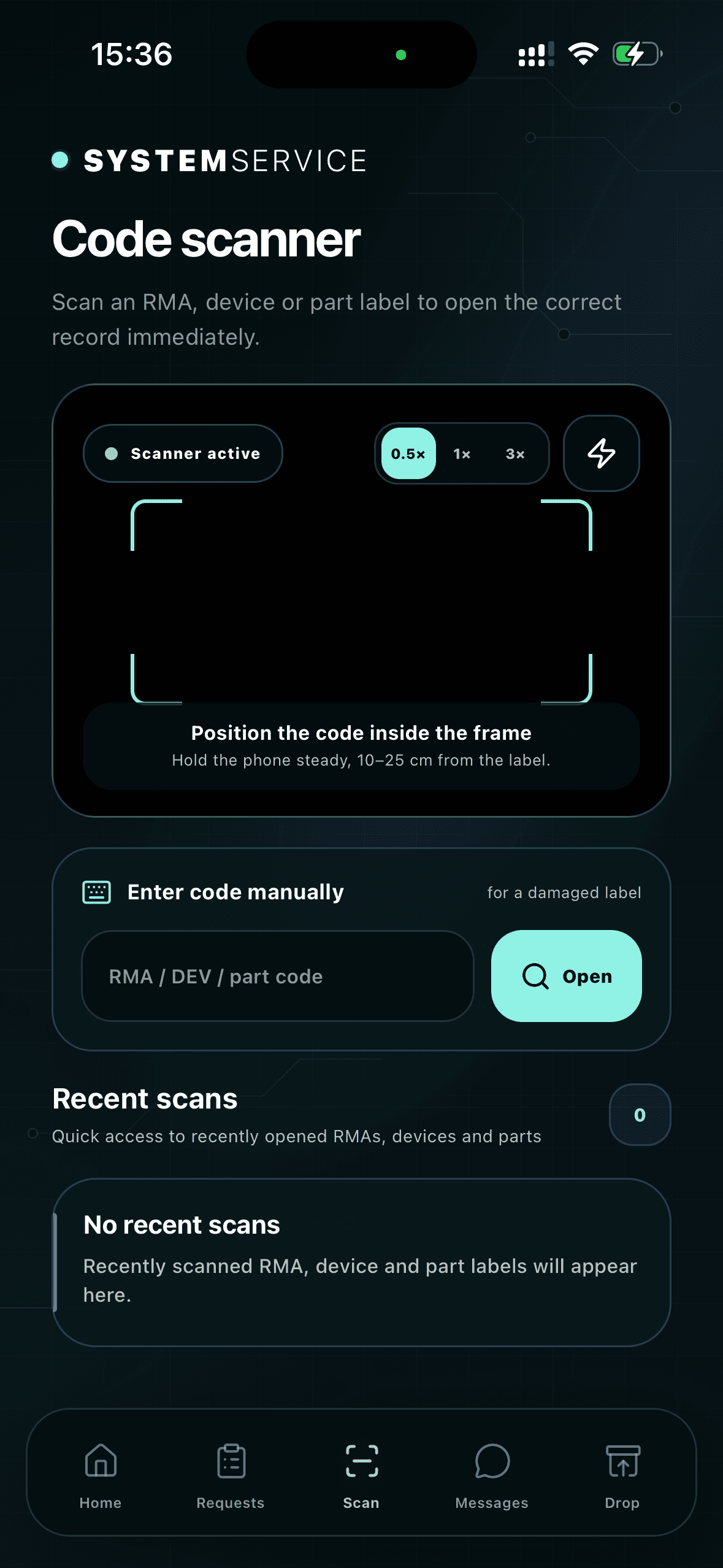
Scan an RMA, device or part label and open the right record immediately. Requests, inventory and messages remain available wherever the work happens.
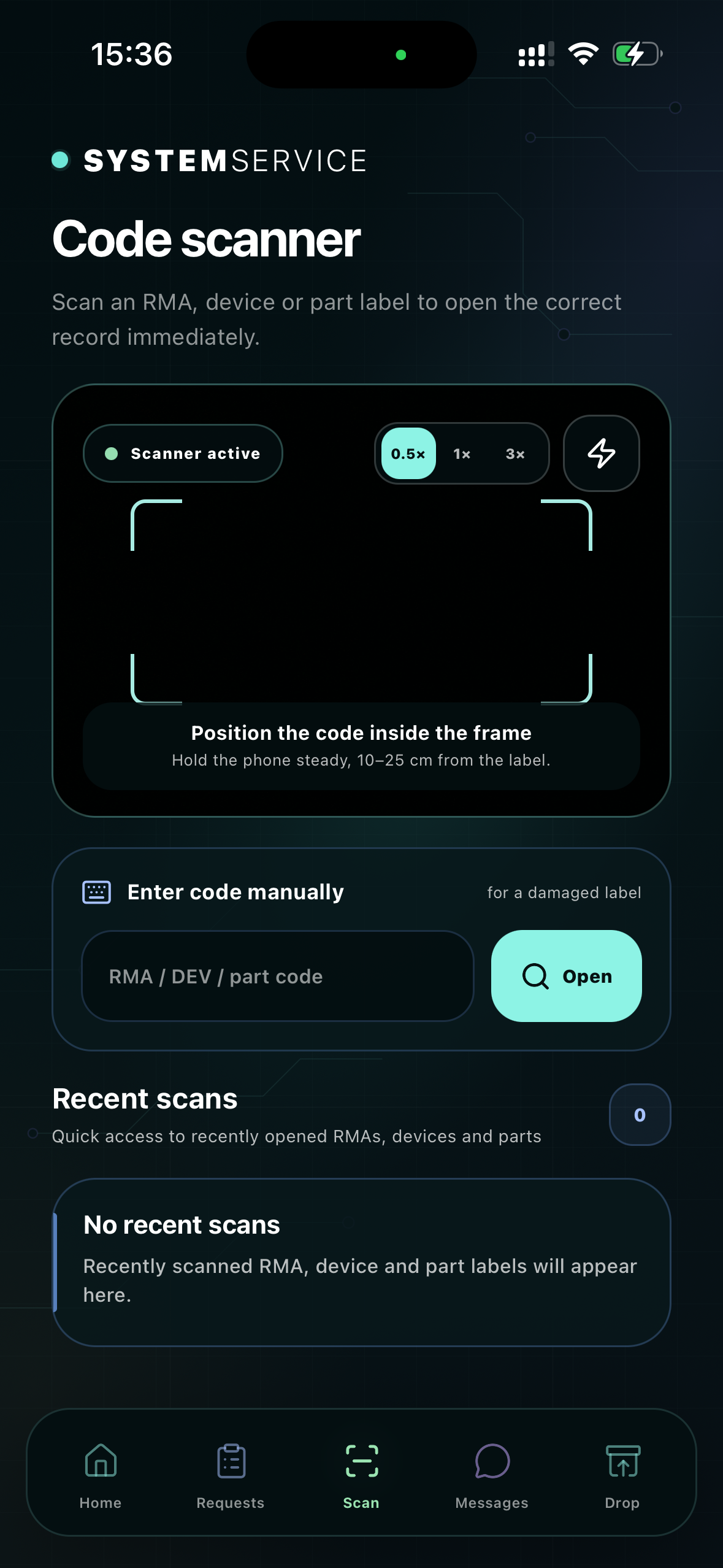
RMA, DEV and parts
The camera reads the code and takes you straight to the right request, device or part.
Always at hand
Check request status, device details, part availability and SystemDrop state without returning to a computer.
Messages and notifications
The team sees new messages and important updates without searching for information across separate channels.
Messages
Employees, administrators and authorised partners communicate through one secure channel. Messages, team availability and notifications remain part of the daily work inside SystemService.
One channel
The team keeps conversations together instead of switching between email, phone calls and separate messaging tools.
Live updates
A new message is immediately visible in the platform and the app, with a clear unread conversation indicator.
A permanent contact point
The company administrator can contact SystemService support directly without searching for the right address or a separate channel.
AI Layer
The AI layer helps you find information about requests, devices and parts. It uses data in SystemService, while decisions stay with your team.
Daily operations
Summarises active requests and helps find similar cases in your service history.
Priorities
Highlights requests without recent updates and devices waiting for parts.
Inventory
Helps check part availability and location by name, model or part number.
Daily operations
Inventory, planning, statuses, notifications and roles all work with the same data. The administrator retains full control, the employee gets the workspace needed for daily work, and the B2B partner receives a separate account with access to their own cases.
Parts and locations
Stock levels, availability and part locations remain visible in one place.
Deadlines and actions
Scheduled collections, deadlines and next actions stay organised for the team.
Current stage
The right people see the current request status and know what happens next.
Automated communication
Email messages communicate important changes without manually passing on every update.
Roles and access
The administrator manages the environment, the employee uses the operational tools, and the B2B partner receives a separate account with access only to their own requests, devices and information.
Security
Roles and permissions are part of SystemService. You manage team access, with request documentation and history in one place.
Access
The administrator manages access for employees and B2B partners.
Data and files
Device details and attachments are available alongside the request.
History
Status history and key actions make it easy to follow the progress of a request.
Plans
Choose the SystemService platform scope, then extend service beyond opening hours with SystemDrop. Both solutions work as one connected process — from device intake to collection.
SystemService
Every plan connects daily service work, mobile access, messages and automation. The difference is the size of your team and the number of B2B partner accounts.
Core
€89
/ month
€909 with annual billing
For smaller service businesses that want organised work and the full web + mobile connection from day one.
SystemWeb, SystemApp and messages
Up to 5 employees
Up to 15 B2B partner accounts
Pro
€149
/ month
€1,519 with annual billing
For growing teams that need more operational capacity without changing their working environment.
SystemWeb, SystemApp and messages
Up to 15 employees
Up to 40 B2B partner accounts
Enterprise
€249
/ month
€2,539 with annual billing
For larger organisations that need unrestricted team scale and extensive B2B cooperation.
SystemWeb, SystemApp and messages
Unlimited employees
Unlimited B2B partner accounts
SystemDrop
NewSystemDrop automates device intake and collection outside opening hours. Customers use the locker when it suits them, while your team keeps full visibility of the process in SystemService.
SystemDrop Flex
Most popular€219
/ month
For service businesses that want convenient 24/7 customer service and fewer manual arrangements for device intake and collection.
12-month agreement
Automated device intake and collection
Customer service around the clock
Monitoring and live process visibility
Full connection to the SystemService platform
SystemDrop Standard
€179
/ month
For service businesses making SystemDrop a permanent part of daily operations and handling more intake and collection without adding work for the team.
24-month agreement
Automated device intake and collection
Customer service around the clock
Monitoring and live process visibility
Full connection to the SystemService platform
Contact
Tell us briefly how your repair service works today and where the team loses the most time. We will come back with a concrete next step.